







FAQs: Discontinued Products
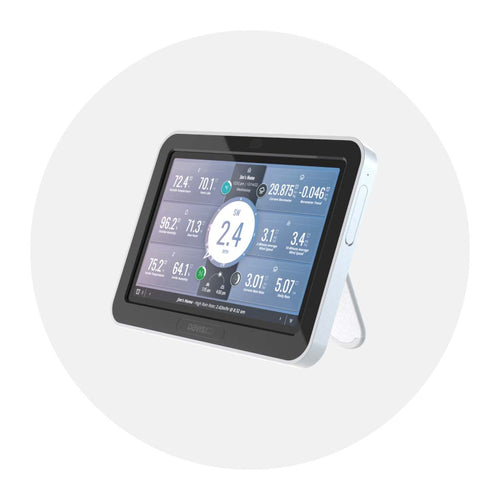
Consoles: Vantage Vue (6351) and Vantage Pro2 (6312, 6312C)
General
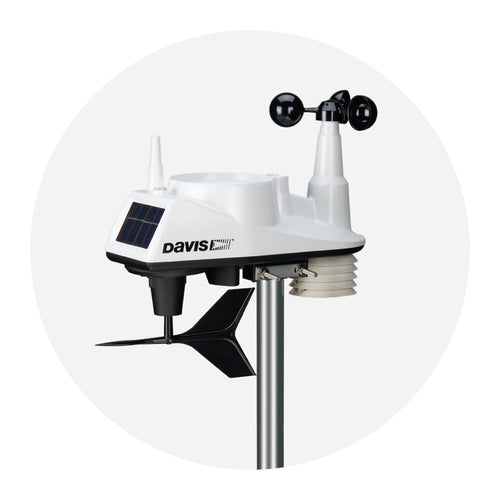
You can transmit data from one sensor suite to a Vantage Vue or Vantage Pro2 console. You can also add up to 7 additional special-purpose sensors or stations such as a Leaf and Soil Moisture/Temperature Station, a Temperature/Humidity Station, and others. See table below for restrictions.

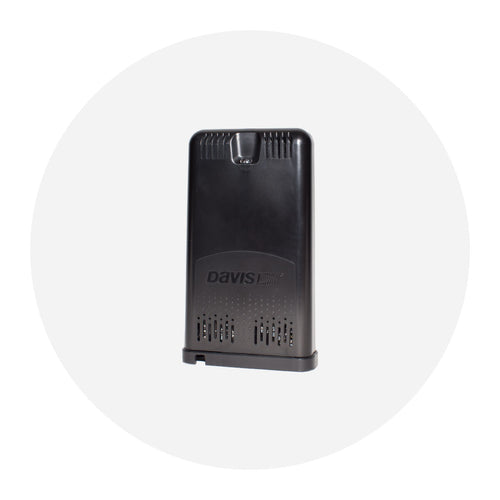
Use our WeatherLink Live (#6100) if you need to receive data from more than one sensor suite.
Display
There were updates made to the hardware in consoles dated July 2012 and later. If you are using a new console or a recently repaired console with an older data logger, you will get an error "incompatible logger".
It is not our intention to make you buy new data loggers. If you experience trouble with a new console and your old Davis data logger, please contact Technical Support. They will upgrade your old Davis data logger to a new Davis data logger for our standard repair fee.
Reach Tech Support at support@davisinstruments.com or (510) 732-7814.
Vantage Connect
General
Vantage Connect is a cellular communication box that works with our weather stations to send weather data to weatherlink.com. Once the data is online, you can use your personal cell phone, tablet or PC to access it anywhere you have and Internet connection.
Vantage Connect is a standalone telematics device that listens to a variety of weather station sensors. Vantage Connect listens to a Davis weather station integrated sensor suite, storing and transmitting the data to the Cloud using a cellular connection.
If you unplug the primary power plug from the modem board it will power down BUT the battery will still be connected to the battery charger board. This board will slowly drain the battery over time. For long term storage, greater than two weeks, you should also unplug the red cable from a battery terminal.
Information on how far you can extend your sensor, cabled console or Vantage Connect with the use of Standard 4-Conductor Cables. Can also be used with origianl Vantage Pro, Weather Wizard and Weather Monitor.
Our standard 4-Conductor Extension Cables include a coupler kit (protective shell; bacle coupler; and five waterproof, silicone-filled, crimp style splice connectors) for joining two cables together, indoors or out. Use the chart below to determine maximum cable lengths.
| Product | Cable Use | Included Cable Length | Maximum Cable Length |
|---|---|---|---|
| Wireless Vantage Pro2 | Anemometer to Integrated Sensor Suite | 40 ft (12 m) | 240 ft (73m) |
| Cabled Vantage Pro2 | Anemometer to Integrated Sensor Suite | 40 ft (12m) | 240 ft (73 m)* |
| Cabled Vantage Pro2 | Console to Integrated Sensor Suite | 100 ft (30m) | 1000 ft (300 m) |
| Cabled Vantage Pro2 ISS with Cabled Vantage Connect | Vantage Coonnect to Integrated Sensor Suite | 100 ft (30m) | 1000 ft (300 m) |
| WeatherLink for Vantage Pro2 and Vantage Vue (serial port versions)** | Data Logger to Serial Port | 8 ft (2,4 m) | 48 ft (14,6 m) |
| Solar Radiation Sensor (6490) | Sensor to Integrated Sensor Suite | 2 ft (0,6 m) | 125 ft (38 m) |
| UV Sensor (6490) | Sensor to Integrated Sensor Suite | 2 ft (0,6 m) | 125 ft (38 m) |
| Stainless Steel Temperature Probe with RJ Connector (6475) | Probe to Wirless Temperature Station, Weather Envoy, Envoy8X, or Anemometer/Sensor Transmitter Kit | 25 ft (7,6 m) | 200 ft (61 m) |
| Temperature Probe with RJ Connector (6477) | Probe to Wirless Temperature Station, Weather Envoy, Envoy8X, or Anemometer/Sensor Transmitter Kit | 25 ft (7,6 m) | 200 ft (61 m) |
| Leaf Wetness Sensor (6420) | Sensor to Wireless Leaf & Soil Moisture/Temperature Station | 40 ft (12 m) | 200 ft (61 m) |
| Anemometer (6410) | Sensor to Integrated Sensor Suite | 40 ft (12 m) | 240 ft (73 m)* |
| Rain Collector (stand alone, 7852) | Collector to Integrated Sensor Suite or Anemometer/Sensor Transmitter Kit | 40 ft (12 m) | 900 ft (270 m) |
| Rain Collector with Mountable Base (7857) | Collector to Integrated Sensor Suite or Anemometer/Sensor Transmitter Kit | 40 ft (12 m) | 900 ft (270 m) |
| Temperature/Humidity Sensor (6830)(6832) | Sensor to Anemometer/Sensor Transmitter Kit | 25 ft (7,6 m) | 25 ft (7,6 m) |
*Anemometer Cables: Maximum dsplayable wind speed decreases as the length of cable increases. At 140 ft (42 m) of cable, the maximum wind speed displayed is 135 mph (60 m/s). At 240 ft (73 m) of cable, the maximum wind speed displayed is 100 mpy (45 m/s).
**WeatherLink USB: Extension cables may be purchased from a computer supplier.
To extend the cables on the Temperature Probe (6470), Soil Moisture Sensor (6440), and Rain Collector Heater (7720), please call us directly at (800) 678-3669
Configuration
Try these steps with your Vantage Connect:
- Make sure status LED is showing normal function, otherwise the device has not registered on the network.
- Check power to the weather station. Make sure all cables are securely plugged in.
- Measure battery power with volt meter (should measure at 6 volts and above). If the battery power is less than 6 volts, please make note of the voltage and contact Technical Support.
- Repower by unplugging the main power cable, waiting one minute, then plugging it in again.
If data still is not uploading, contact Technical Support.
Display
Make sure the power cord is connected. If power is connected and the LED is still off, press and release the blue Status LED ON/OFF button. It can take up to 30 seconds for the lights to turn on. If the LEDs are still off, try repowering your Vantage Connect (unplug the main power cable, wait one minute, then plug it in again). If the LEDs still do not come on, contact technical support.
Electrical
Our server will monitor your battery voltage and will trigger an e-mail warning if it should get critically low (approximately 14 days of power). The e-mail will go to both the registered user's e-mail address as well as the alarm e-mail address (if one has been set up).
Yes you can. You will need a Universal Shelter (product #6618) in which to mount the extra battery and cables. Contact Technical Support for parts and instructions on adding an additional battery.
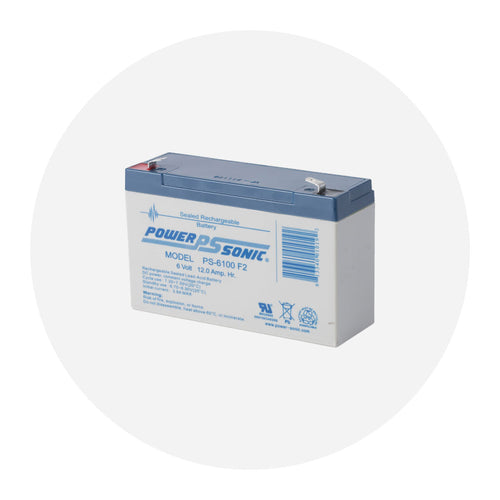
Yes. Your Vantage Connect comes with a battery designed to charge in temperatures as low as -4°F/-20°C. If your installation is in a location with low temperatures, you should replace the battery with a Davis battery, product #7011.025.
Please contact Technical Support to get a replacement battery. If your installation is in a warmer climate, you may replace the battery with a 6-volt, 12 Ah, gel cell battery which will only charge at temperatures above 0°C. For more information, see Battery Specifications in the instruction manual. (With either battery, your Vantage Connect can function down to -40°F/C.)
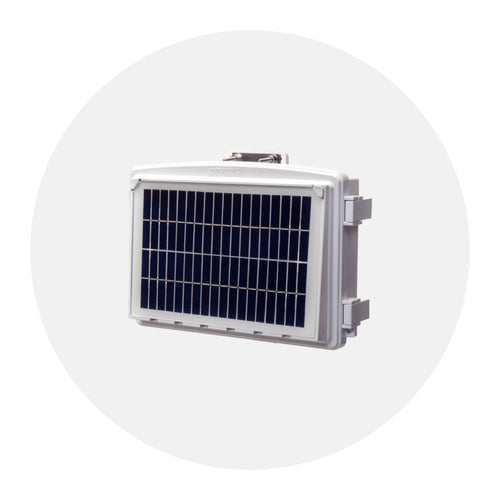
Yes. You can add an Extra Solar Panel Kit (product #6616). This kit will add a second solar panel to your charging circuit and as a result charge your battery faster in low light environments.
Cable Buddy/Lube II
General
The Cable Buddy and Lube II work on all outboard steering cables. They’ll fit all major U.S. and foreign motors (7/8" x 14 pitch threads) except Mercury motors.
The Tilt tube has a different thread.
Mechanical
Not all motors have a locking nut on the steering rod side of the tilt tube. You don't need a locking nut to install Lube II. However if you want one you can buy a stainless steel or aluminum nut from a hardware store or engine dealer to fit the tilt tube. You would need a nut with the same inside diameter and tread pattern as Lube II, which is 7/8" by 14 pitch.
Mega-Light
The lighter plug receptacle polarity is probably reversed. This defeats the photo cell and limits the current powering the bulb. Simply switch the wires entering to the receptacle.
If you hang a Mega-Light from an insulated backstay wire used as a single side band radio antenna, the circuit will be damaged if the light is on during radio transmission. You need to unplug or move the Mega-Light when transmitting on single side band.
TurboMeter
No, the wind must be directed at the backside of the TurboMeter. This is the side opposite the digital readout.
Slick Seam
Yes Slick Seam will work well in this application. Slick Seam adheres best if the gap is deeper than it is wide. Apply Slick Seam with a plastic putty knife and clean up with mineral spirits for best results.