






WeatherLink Live - SKU 6100
SKU 6100
$425.00
Free Shipping Available
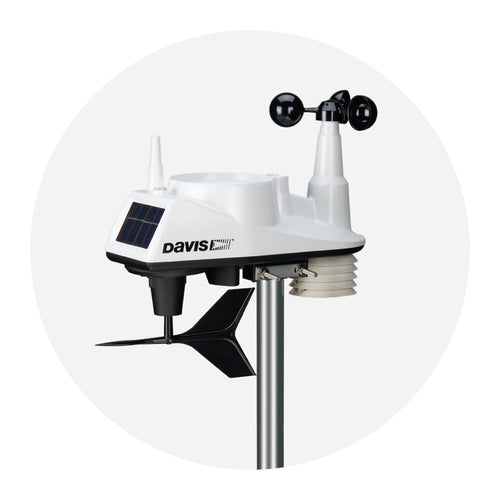
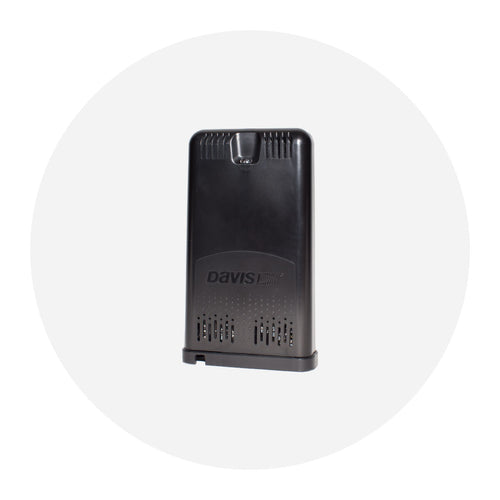
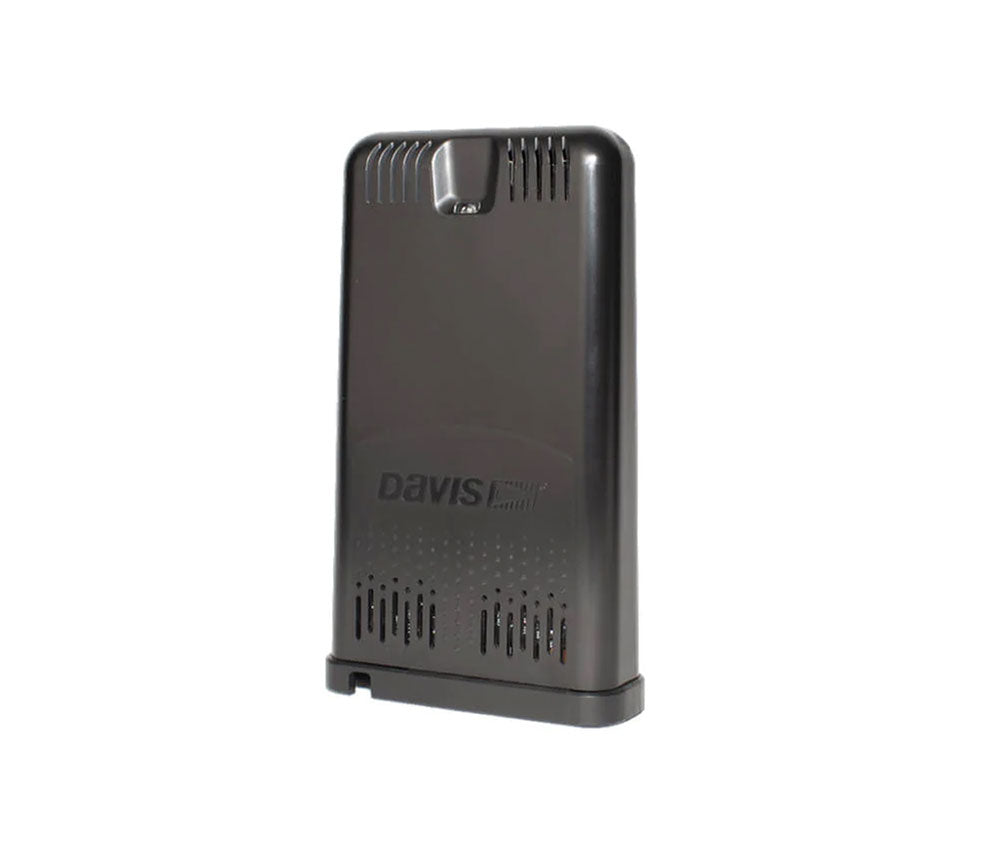
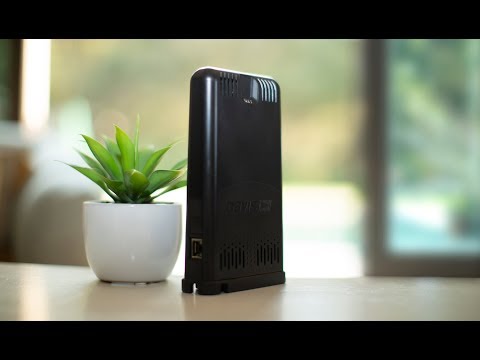
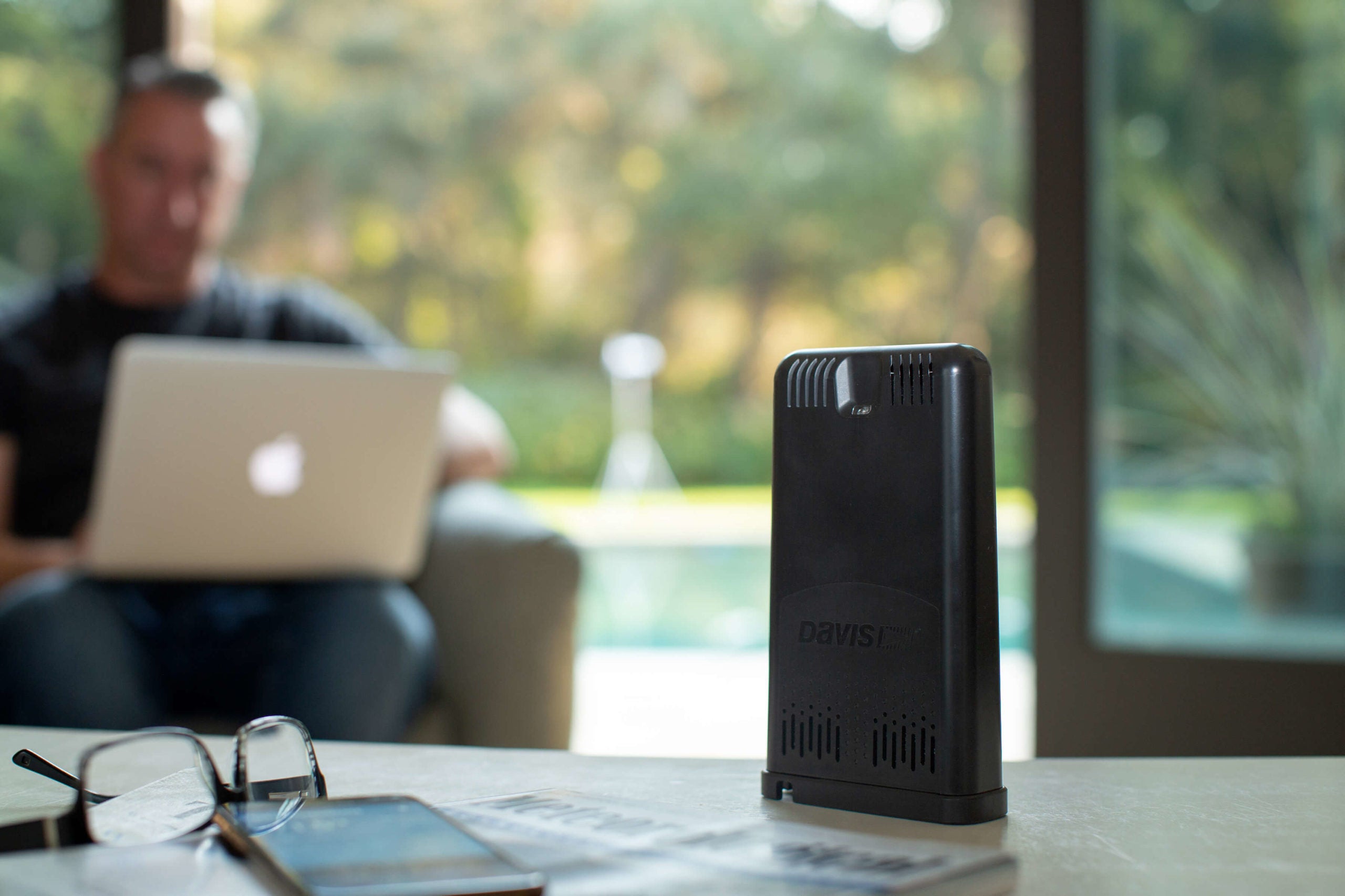
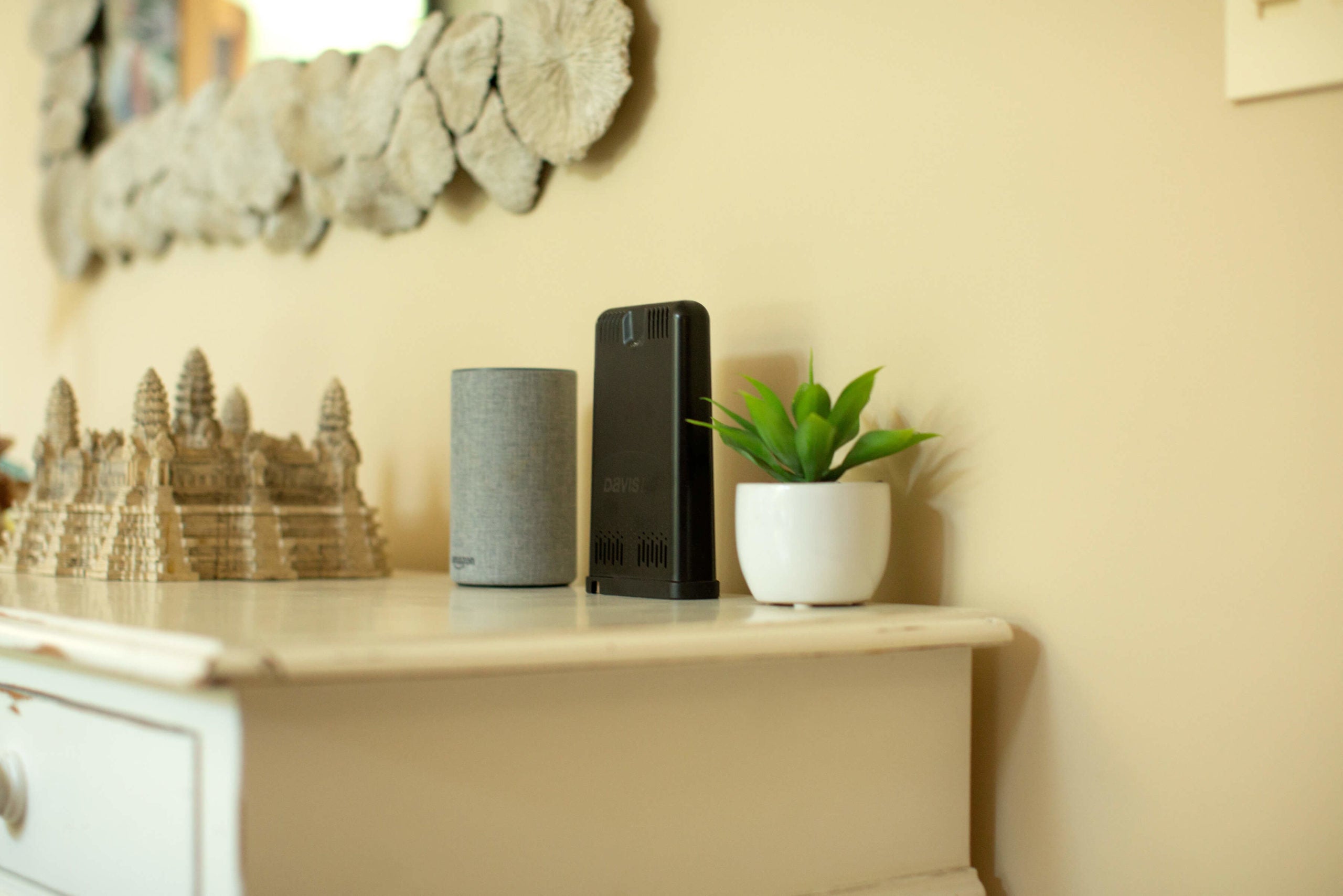
Davis WeatherLink Live allows you to stream live weather data from your weather station to the WeatherLink Cloud. Since WeatherLink Live uploads your data via your Wi-Fi, you can see updates on your phone as they happen. It is the perfect solution for professionals, classrooms, and others who want to be a part of the WeatherLink network. You can access your data via any smartphone or computer. Weatherlink Live can receive and upload data from up to 8 Vantage Vue or Vantage Pro2 sensor suites weather stations, or other Davis transmitting stations, in any combination.
Get help buying. Call (800) 678-3669 (USA and Canada).
Customers in the USA and Canada only. International - Find a reseller
Support documents
Highlights Click here to learn more about the product.
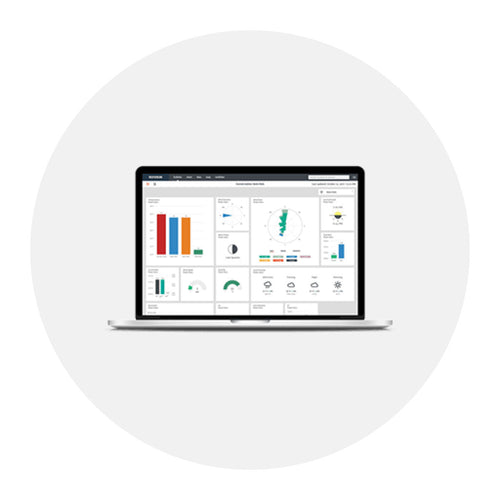
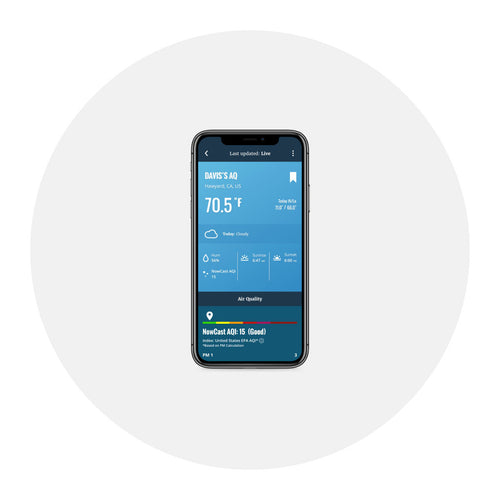
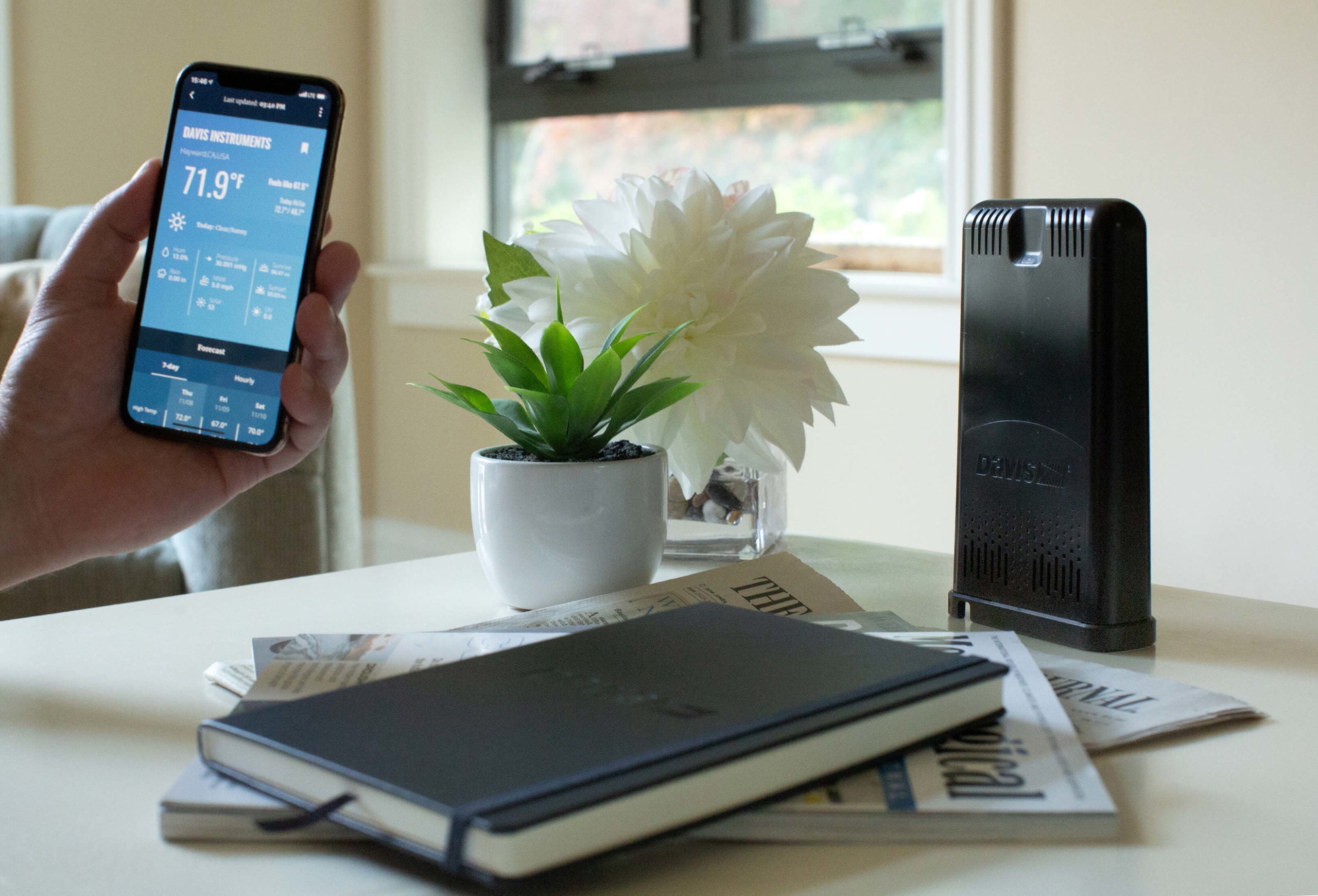
- Stream live weather data over Wi-Fi to the WeatherLink Cloud: see updates on your smartphone as they happen when the phone and WeatherLink Live are on the same local network.
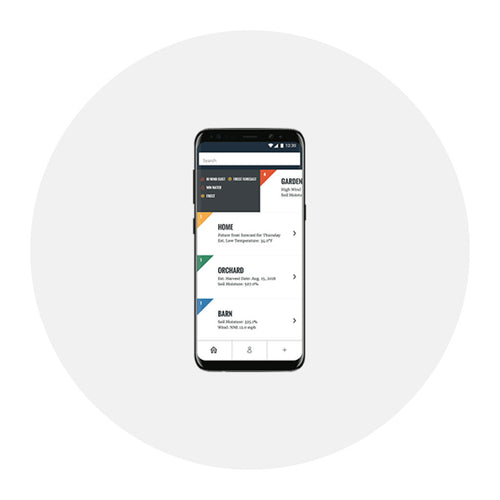
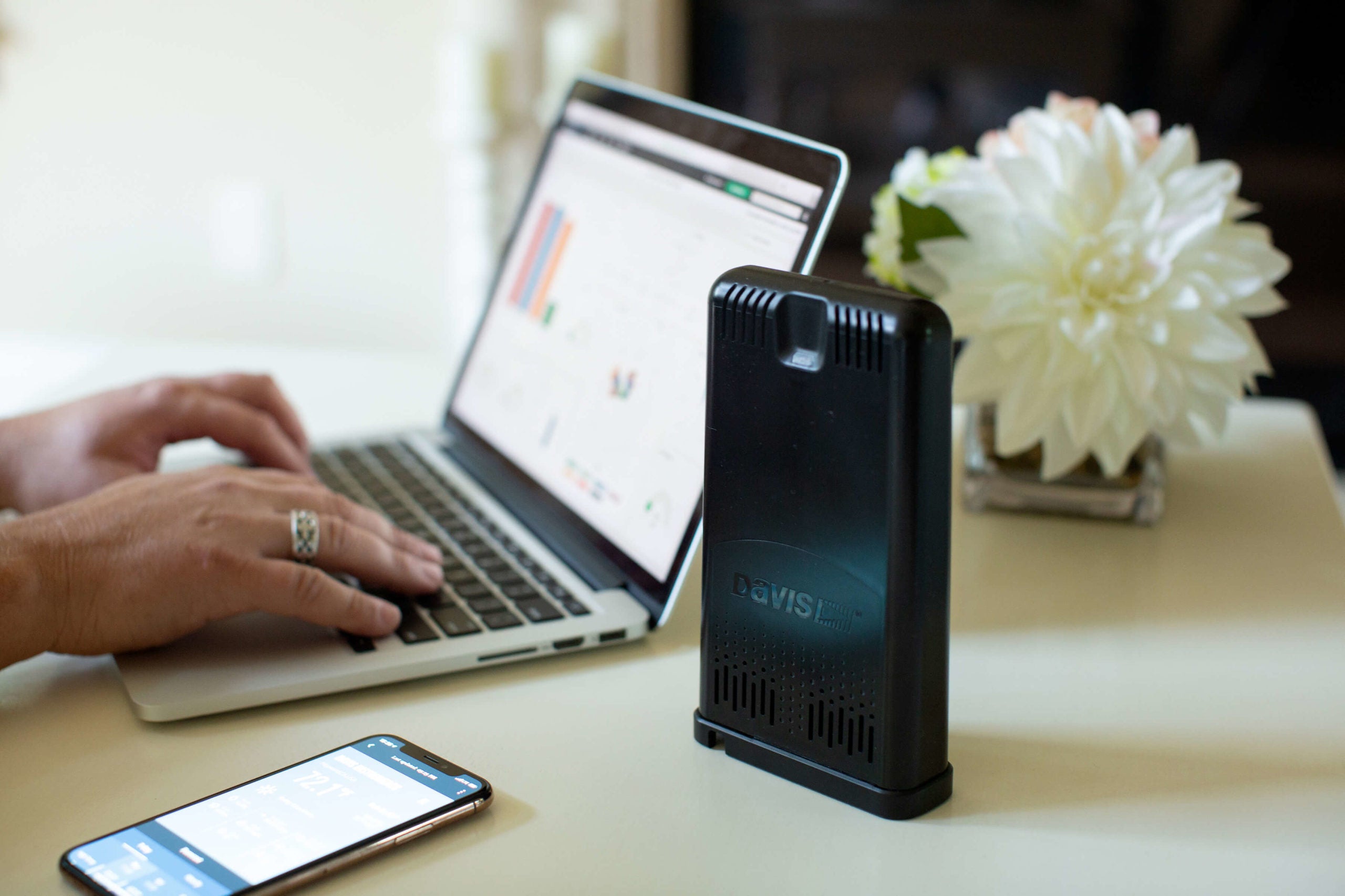
- Access and securely share your current data on WeatherLink.com and the WeatherLink app; upgrade to Pro or Pro+ to archive and analyze your historic data.
- One WeatherLink Live can collect data from 80+ sensors in up to 8 transmitters in any combination.
- Collects data from Vantage Vue and Vantage Pro2 sensor suite weather stations, Sensor Transmitters, and Leaf Moisture & Soil Moisture Stations.
- Ask Alexa or Google Assistant about your weather.
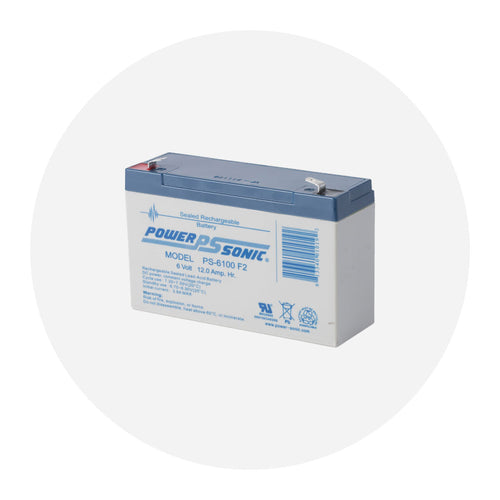
- Never lose data: internal auxiliary memory and redundant battery backup.
- Industry-leading transmission range of 1,000’/300 m from transmitter to WeatherLink Live.
- Effortless setup.
- No Wi-Fi? No problem. Comes with Ethernet cable.
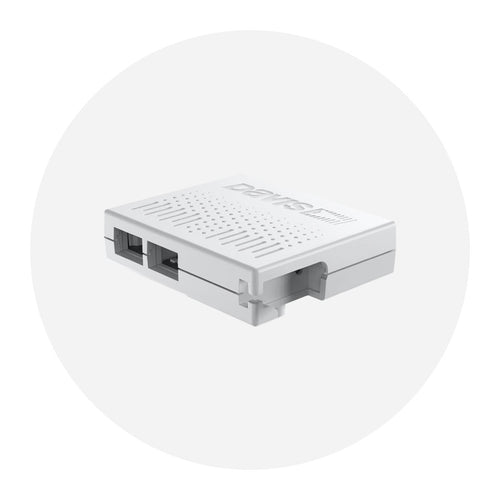
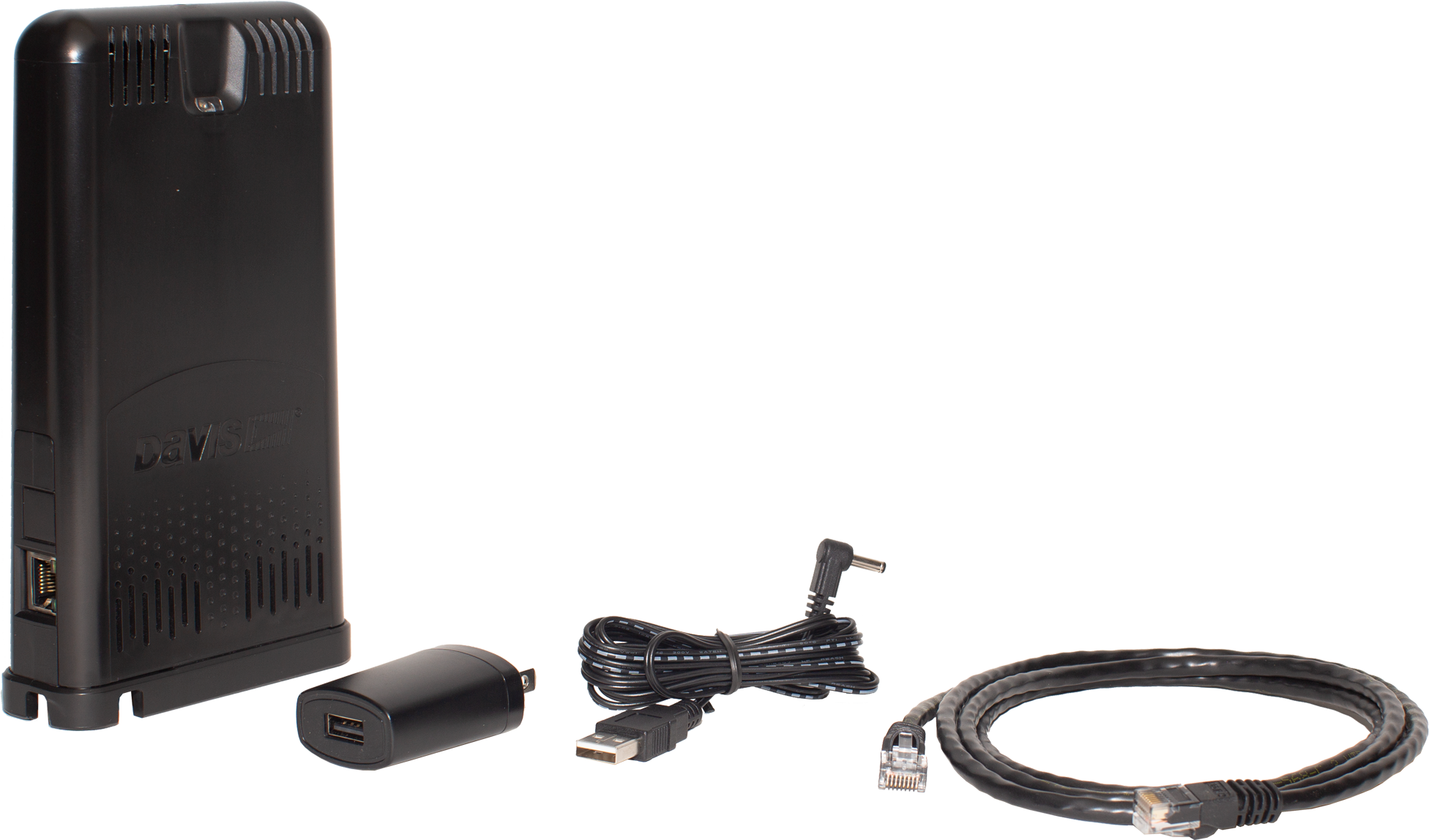
- Includes barometer, inside temperature/humidity sensor, AC-adapter and power cable, and optional Ethernet cable.